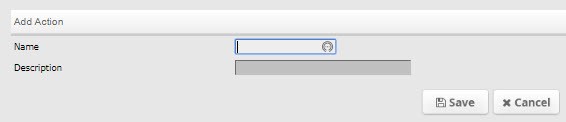
Adding Actions in the old call screen
Within the agency config area choose the Action menu item. Now choose the Add link from the top menu bar. Type the action name and description. Choose Save to save this information and exit the screen or Cancel to exit without saving.
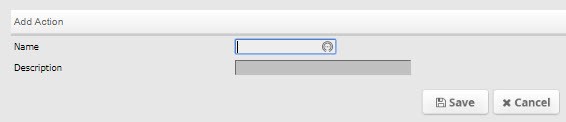
Editing Actions in the old call screen
To edit an Action code, choose the link of the action you want to edit and you will be taken into the edit action screen. Change the Name and / or Description fields to the desired verbiage then choose Save or Cancel.